Most to-do systems fail for the same reason: they pile up. Tasks get stale, notes go missing, and the list stops feeling trustworthy. A weekly review fixes this. It is a short, regular check-in where you clear loose ends and decide what matters next. This guide gives you a 20-minute checklist you can start this week.
What a weekly review is
A weekly review is a recurring block of time, usually 20 to 30 minutes, where you look back at the past week and plan the next one. The idea is popular in many productivity systems, but you do not need any particular method to use it. All it takes is a list, a calendar, and a quiet half hour.
Why it works
- It restores trust in your list. You stop worrying that something important is hiding somewhere.
- It prevents small tasks from rotting. Old items get done, delegated, or deleted.
- It connects daily work to bigger goals. You see whether your week matched your priorities.
- It lowers Monday stress. You start the week knowing your top three outcomes.
When to do it
Pick a fixed slot and protect it. Friday afternoon works well for closing out the week, while Sunday evening or Monday morning suits people who prefer to plan fresh. The best time is the one you will actually keep. Put it on your calendar as a recurring event.
The 20-minute checklist
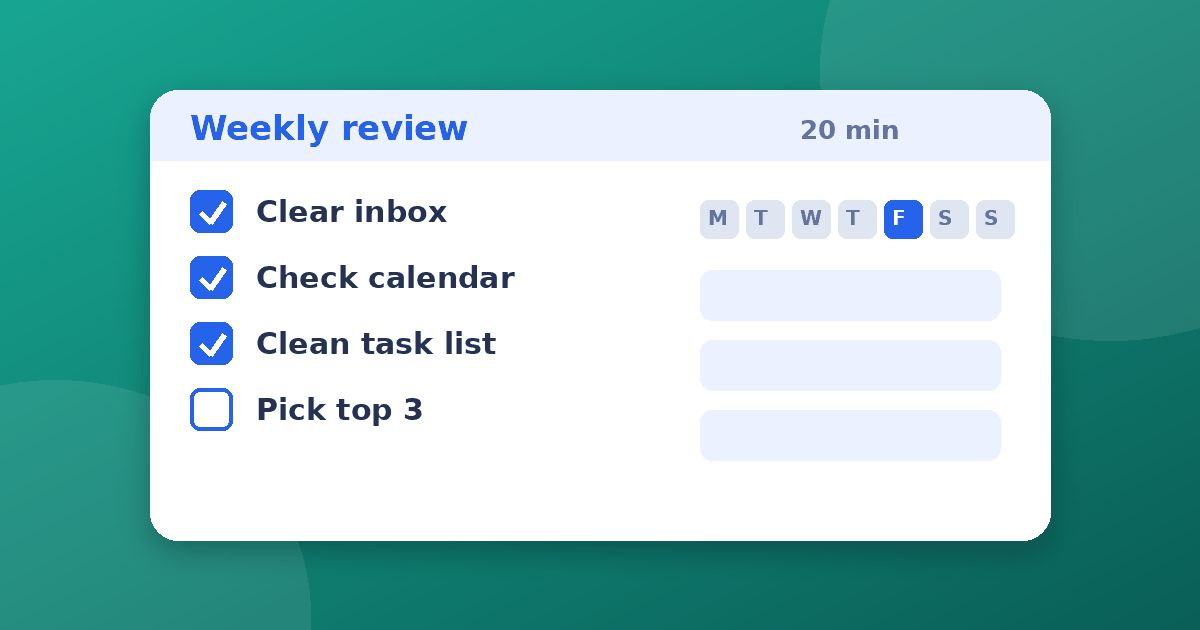
Step 1: Clear the inputs (5 minutes).
- Empty your email inbox, or at least triage it into reply, schedule, or archive
- Collect loose notes, screenshots, and paper scraps into one place
- Move every action you find onto your task list
Step 2: Review the past week (4 minutes).
- Scan last week's calendar for follow-ups, promises, and decisions you forgot to record
- Mark what you finished and note what slipped, and why
Step 3: Review the week ahead (4 minutes).
- Look at the next two weeks of calendar events
- Note preparation tasks, travel, deadlines, and busy days
Step 4: Clean the task list (4 minutes).
- Delete tasks you no longer care about
- Reschedule anything overdue, or finish it if it takes under two minutes
- Rewrite vague tasks as clear next actions, such as "Email Sam the draft" instead of "Project update"
Step 5: Choose your priorities (3 minutes).
- Pick the three outcomes that would make the week a success
- Block time for them on your calendar before other things fill it
A copy-and-paste template
WEEKLY REVIEW  |  Week of ____

[ ] Inbox cleared or triaged
[ ] Loose notes captured
[ ] Last week's calendar reviewed
[ ] Next two weeks of calendar reviewed
[ ] Task list cleaned (delete, reschedule, rewrite)
[ ] Waiting-on list checked
[ ] Top 3 outcomes chosen
[ ] Time blocked for each outcome

What went well:
What slipped:
One thing to change:
Make it fit your setup
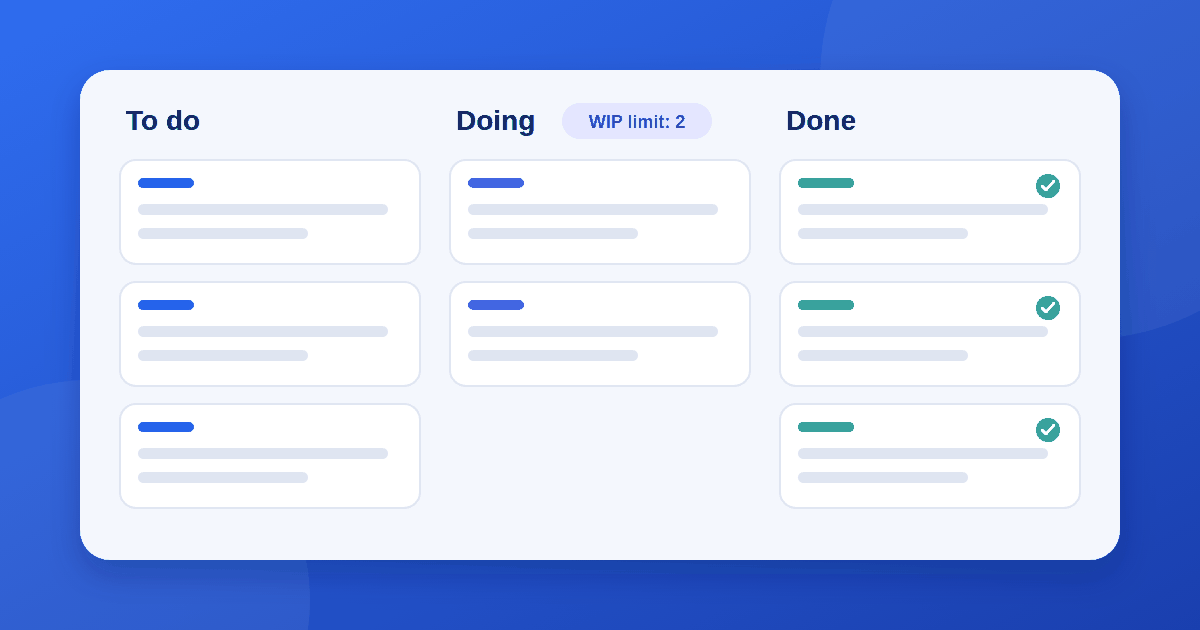
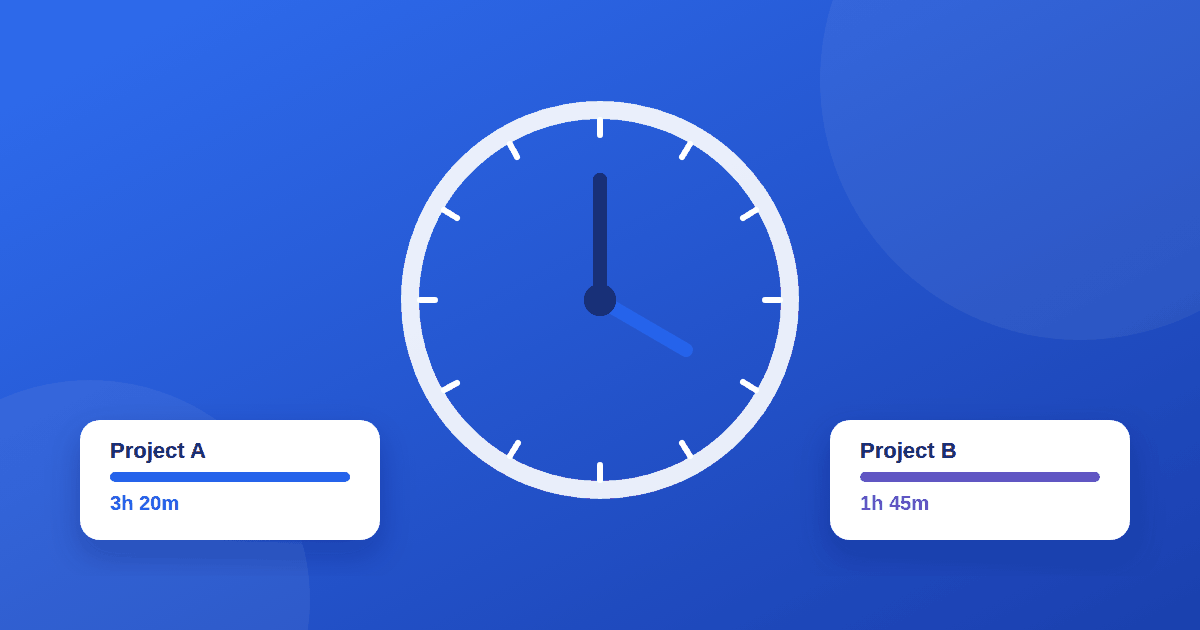
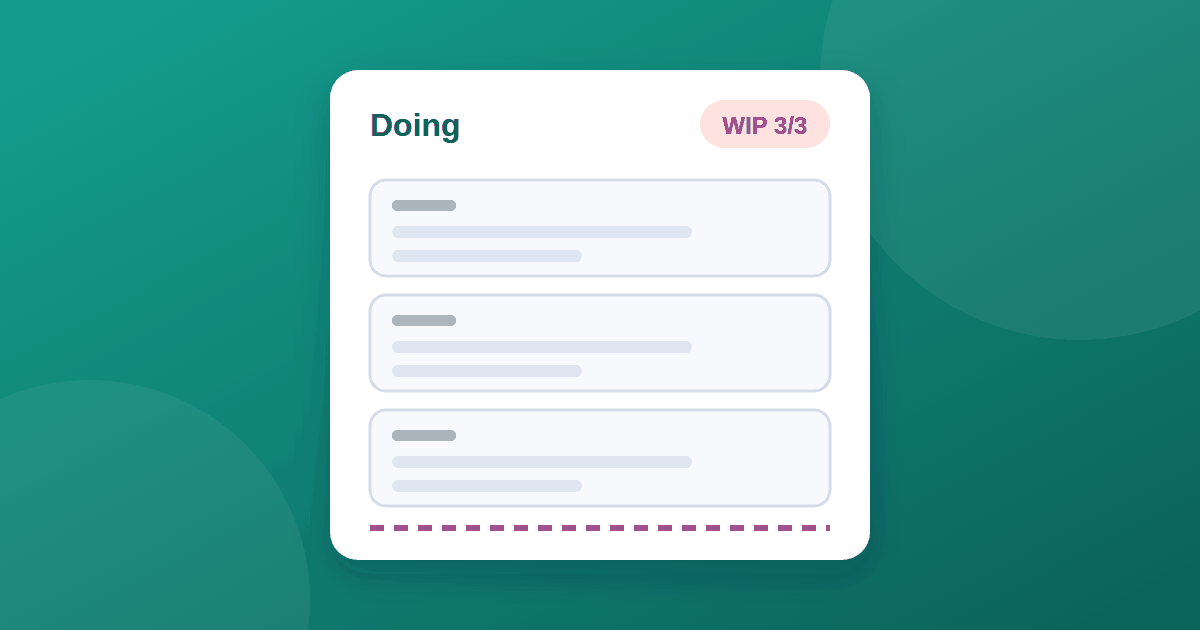
If you use a board instead of a list, the same steps apply. Move stale cards, update columns, and check limits on work in progress. Our guide to Kanban vs to-do lists vs Scrum helps you pick a system, and how to set WIP limits keeps your board from overflowing. If you want hard data on where your time goes, a tracker can feed your review. See our guide to choosing a time tracking app.
Common mistakes
- Making it too long. A review that takes two hours gets skipped. Keep a short version and expand only when you need to.
- Skipping weeks. One missed week is fine. Three in a row means the system is no longer trusted.
- Only looking back. The value is in choosing what comes next.
- Keeping vague tasks. If you cannot start a task without thinking, rewrite it.
- Over-tooling. A notebook or a plain list works as well as any app.
Frequently asked questions
How long should a weekly review take? Twenty to thirty minutes is typical. Busy weeks or messy lists may take longer the first time.
Do I need special software? No. A task manager, a calendar, and a notes file are enough. Use what you already have.
What if I miss a week? Run a quick version as soon as you notice: clear the inbox, check the calendar, and pick three priorities. Then return to your usual slot.
Should teams do a weekly review too? Yes, a short team version works well. Review what was finished, what is blocked, and what comes next.
The takeaway
A weekly review is a small habit with a large payoff. Block 20 minutes, clear your inputs, review your calendar and list, and choose three priorities. Keep it simple enough to repeat, and your task system will stay current and trustworthy.